Automatic signing

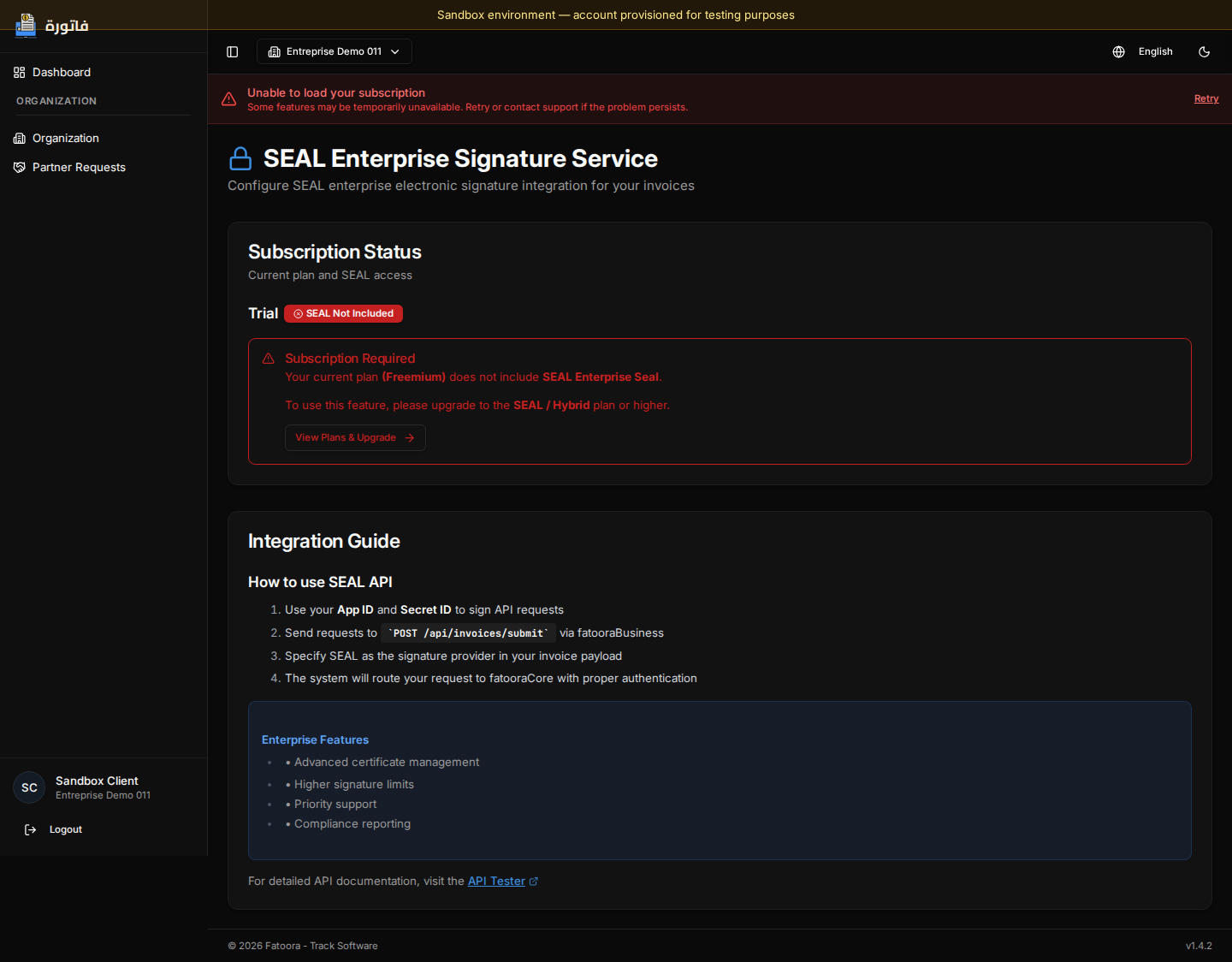
Once the SEAL certificate is configured, invoices are signed automatically by the system without user action. The process uses the registered certificate to apply an electronic signature to each invoice before it is sent.


How the process works

As soon as an invoice is created or imported, the system automatically runs the following steps:

  • certificate verification
  • XML file validation
  • application of the electronic signature
  • preparation for sending to TTN

All of these steps are automatic and require no manual action.

Automatic signing flow


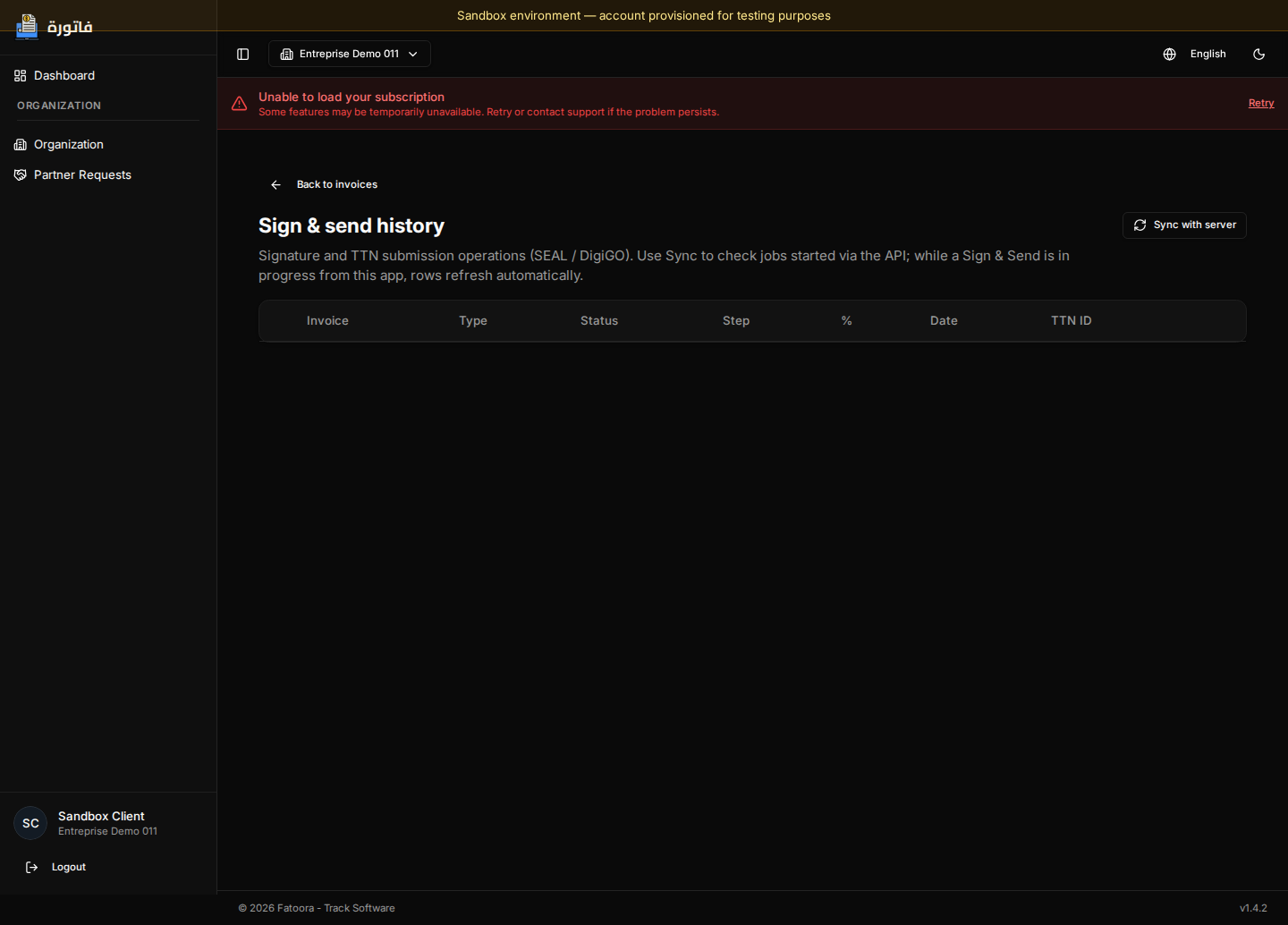
Signing and sending to TTN

Once the invoice is signed, it is sent automatically to Tunisian Trade Net for official processing and validation.

The system also handles:

  • status synchronization
  • processing confirmation
  • DSS technical checks

Processing statuses

During the process, the invoice can go through several states:

  • being processed
  • signed
  • sent
  • validated or rejected

Automatic behavior

Automatic signing runs in the background:

  • no user action required
  • triggered as soon as an invoice is ready
  • uses the certificate already configured
  • ensures document compliance

Important points

  • The certificate must be valid and active
  • On error, signing fails automatically
  • An unsigned invoice cannot be sent to TTN