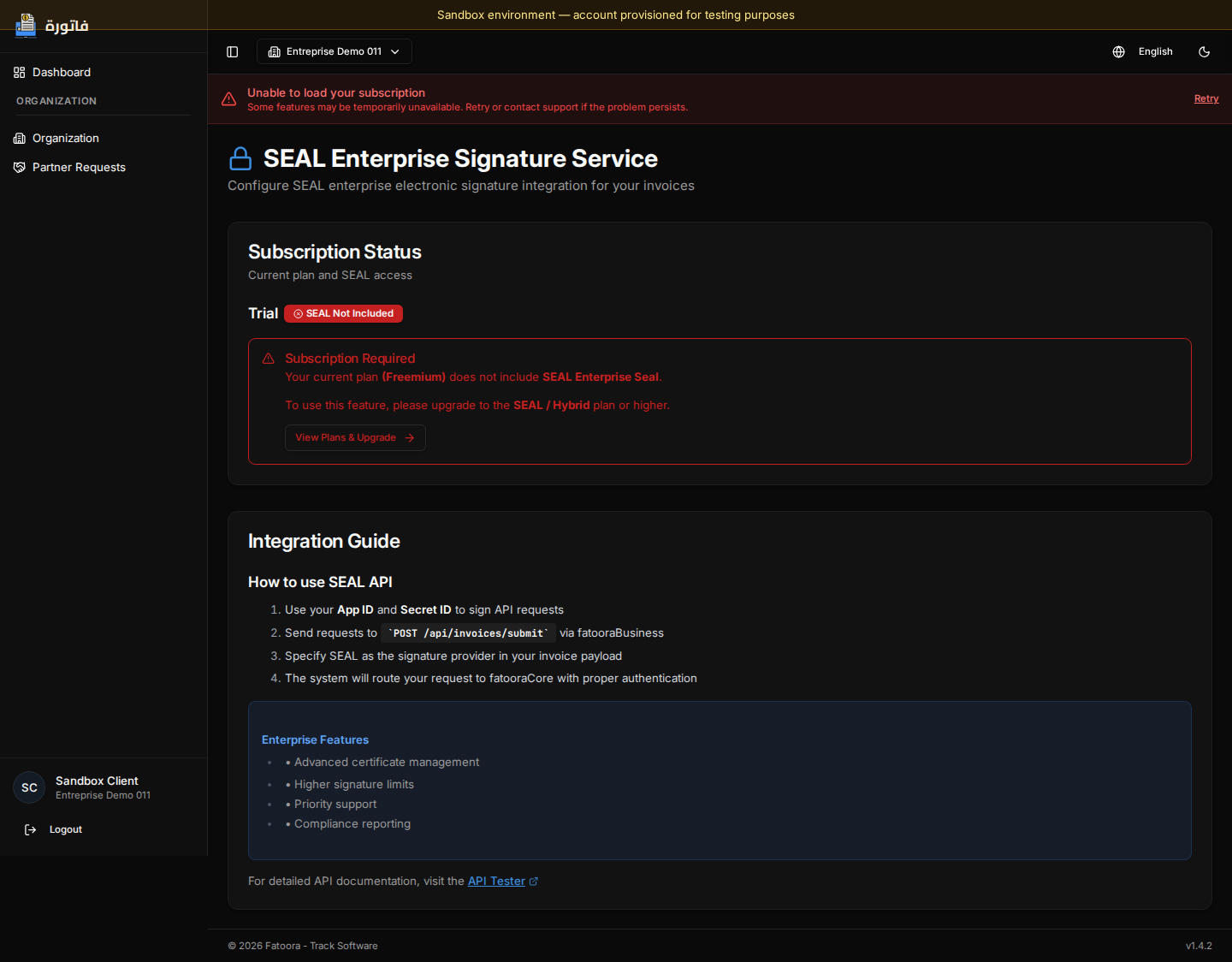
Configure the SEAL certificate

The SEAL certificate (.p12) must be imported in your organization settings to enable electronic signing. The certificate must be issued by a recognized authority.

Role of the certificate

A .p12 file is a secure file used to identify your company and sign electronic documents.

It is like a digital ID card.


What the .p12 file contains

The .p12 (or .pfx) file contains three important things:

  • a private key (to sign documents)
  • a certificate (your digital identity)
  • a protection password (PIN)

Without this file, you cannot sign electronic invoices.


Using the certificate

The certificate is added to the system for use. It allows you to:

  • enable electronic signing
  • allow invoices to be sent

Certification authority

The certificate must be issued by an official organization authorized to issue digital certificates. This ensures its validity and recognition in the system.


Certificate security

  • The .p12 file is highly sensitive
  • It is protected by a password (PIN)
  • It must never be shared