Batch Signing
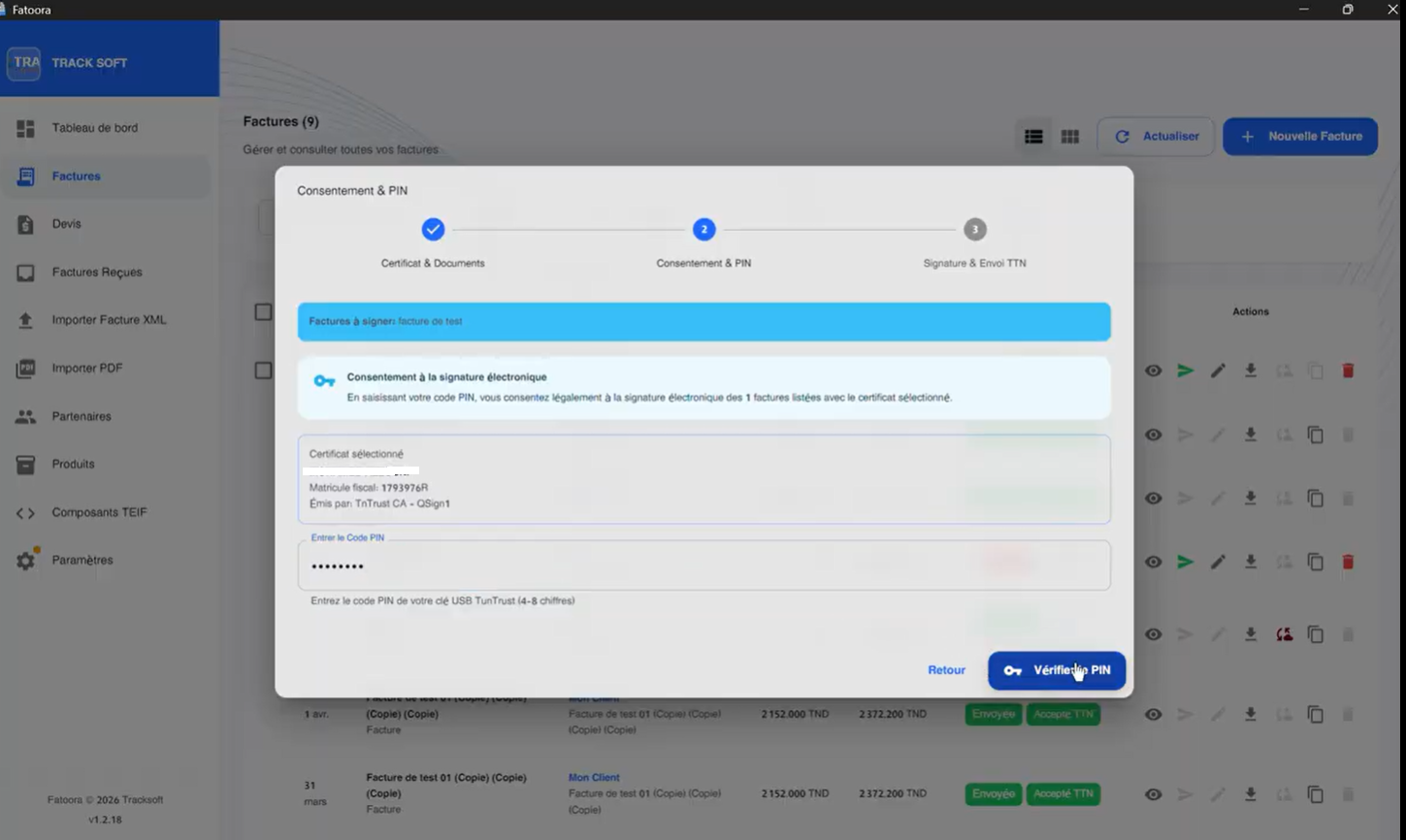
Batch signing lets you process multiple invoices in a single operation, with a single PIN entry.
Procedure
- In the invoice list, check the boxes of the invoices to sign
- Click "Sign selection"
- Enter your PIN once
- Fatoora App processes all selected invoices sequentially
The process can be interrupted before entering the PIN by closing the dialog box.
Progress Tracking
During batch processing, Fatoora App displays the progress for each invoice. If an error occurs on one invoice, the following ones continue to be processed.